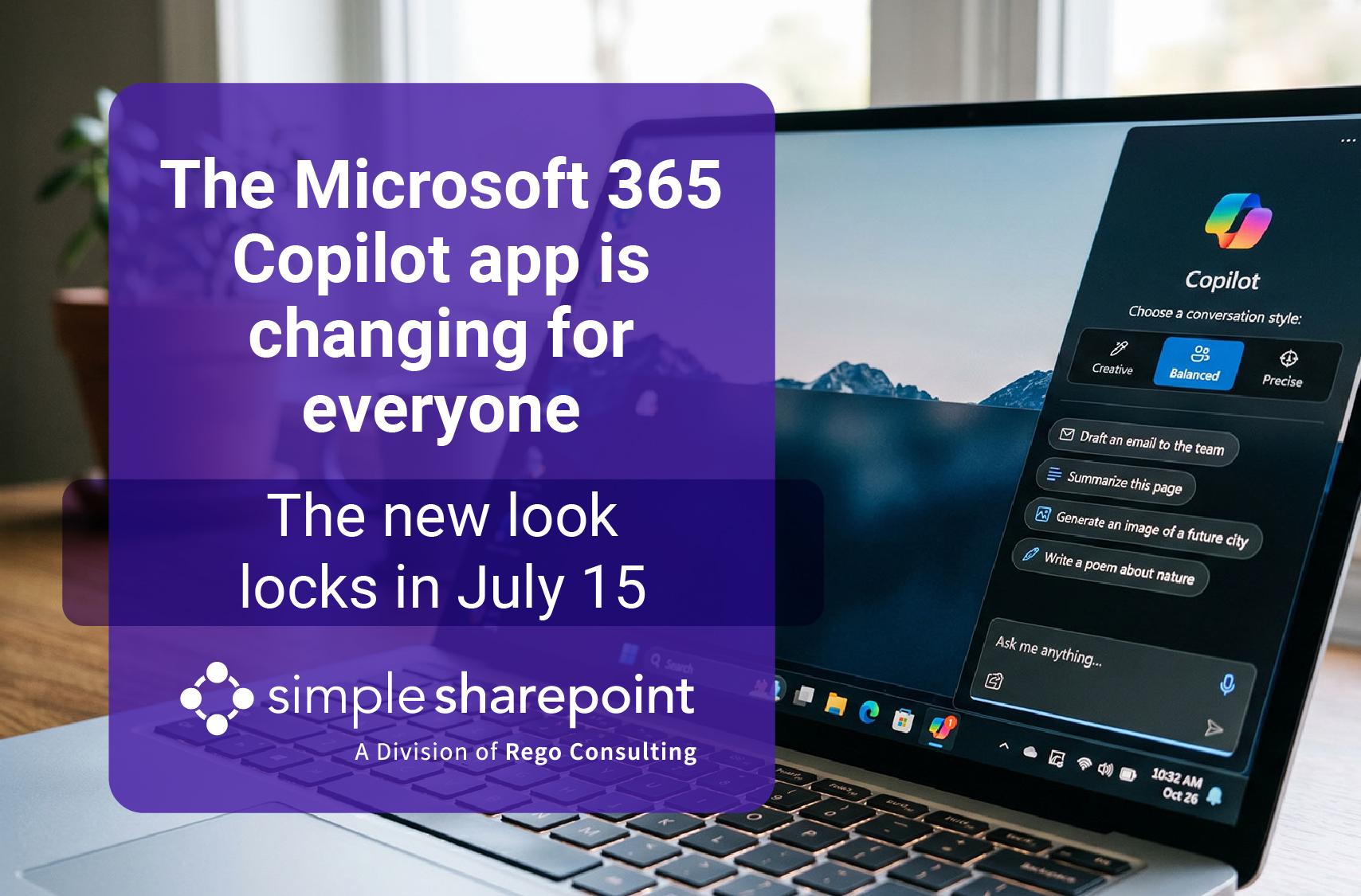
The Microsoft 365 Copilot App Is Changing for Everyone This Summer
Share on LinkedIn!
SimpleSharepoint #Microsoft365Copilot #Copilot #Microsoft365 #ChangeManagement #M365Admins #CopilotChat #CopilotAdoption #DigitalWorkplace #MicrosoftUpdates
The new Microsoft 365 Copilot app interface arrives for your users soon, and the remaining preview window is remarkably short. Microsoft started rolling out a redesigned layout on June 22, 2026. Currently, a “New Copilot” toggle sits in the top right corner. This control lets employees preview the interface change right now. However, on July 15, that modern interface becomes the permanent default layout for everyone. At that point, the preview toggle disappears completely.
What Is Changing Inside the Desktop Application
The upcoming design refresh aims to improve daily productivity workflows. Specifically, the updated system introduces three core visual enhancements:
- Streamlined navigation: The app features a simplified layout that removes unnecessary sidebar clutter.
- The Tasks tab: A dedicated functional area gathers your long-running activities, scheduled prompt routines, and background agent behaviors.
- Chat-centered home screen: The design prioritizes a cleaner interface that puts the primary prompt box front and center.
Why You Must Encourage Early Adoption Today
Until the July 15 deadline, your staff can freely flip the toggle on and off to get familiar with the updated canvas. After that specific date, there is no going back to the old interface style. Unfortunately, most corporate users will not notice the preview toggle on their own. Therefore, a proactive nudge to try the design early turns a forced platform disruption into a soft, managed landing.
Fortunately, no backend technical administrator action is required to enable the rollout itself. Instead, your actual work centers entirely on clear user communication. You should tell users that the visual layout is changing. Additionally, point them toward the newly added Tasks tab. Encourage them to preview the workspace using the toggle switch before the July mid-month deadline.
A simple, two-line heads-up notification now prevents a full week of confused internal support tickets later. We help corporate teams stage the new Microsoft 365 Copilot app deployment smoothly. Our experts provide targeted user-communication kits alongside a structured rollout plan.